Mask Layer of Pokemon cards implemented in CSS and javascript
In the previous post I explained how to add holographic shine to the pokemon card. Now we will look at the mask layer.
This was a fun area to learn about. For background, read Introduction to CSS masking at MDN.
The TL;DR is, make an image where the bright white parts are what you want to let through and the transparent parts are what you want to block. For the holographic image, that means the parts you want to see look holographic should be white and the parts where you don't want holographic stuff should be transparent.
Here is the mask image I made in GIMP (transparent areas will show as grey):
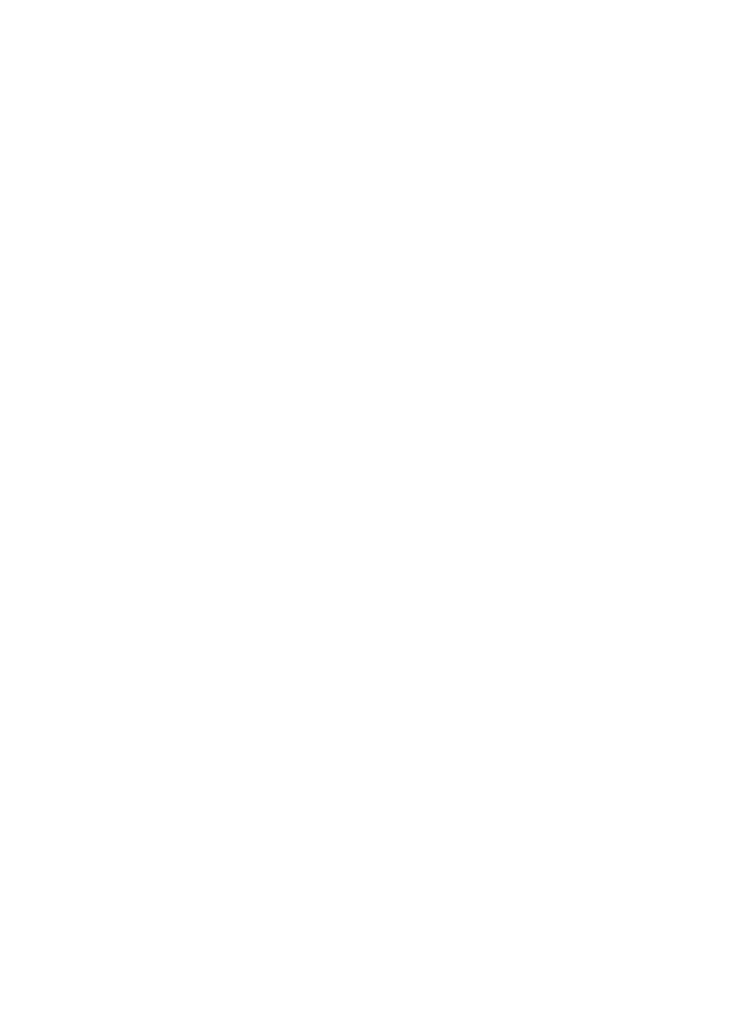
It is applied to the shine layers using CSS:
.card__shine,
.card__shine::after {
  -webkit-mask-image: url(/images/matt-pokemon-mask.png);
  mask-image: url(/images/matt-pokemon-mask.png);
  -webkit-mask-size: cover;
  mask-size: cover;
  -webkit-mask-position: center center;
  mask-position: center center;
}
Now is a good time to blend this over the top of the actual card image. This is not world class art work sorry. I used a Snapchat filter to make myself look animated and then used Inkscape to add a border and some text.
Uncomment the previously commented image url:
<div class="card_demo4" id="holocard_demo4">
    <div class="card__rotator_demo4">
        <div class="card__front_demo4">
            <img src="/images/matt-pokemon.png" width="330" height="460" />
            <div class="card__shine_demo4"></div>
        </div>
    </div>
</div>
There's also a bit of css work still to do because the shine layer is positioned
below the image instead of behind it. We need to do a bit of z-index and
position work in the CSS. The display: grid and grid-area: 1/1 make the divs
stack. The transform and z-index ensure the shine layer is in front. The
mix-blend-mode: color-dodge property makes the shine layer blend with the
image nicely.
.card__rotator_demo5 * {
  width: 100%;
  display: grid;
  grid-area: 1/1;
}

.card__shine_demo5,
.card__shine_demo5::after {
  transform: translateZ(1px);
  z-index: 3;
  mix-blend-mode: color-dodge;
  ...other stuff...
}

We're almost done but there's one more layer to go to add a subtle reflection to make the surface appear glossy. Glare Layer - Pokemon cards CSS